Chord Recognition Update: Pick Voicings, Move Up the Neck
5 min read
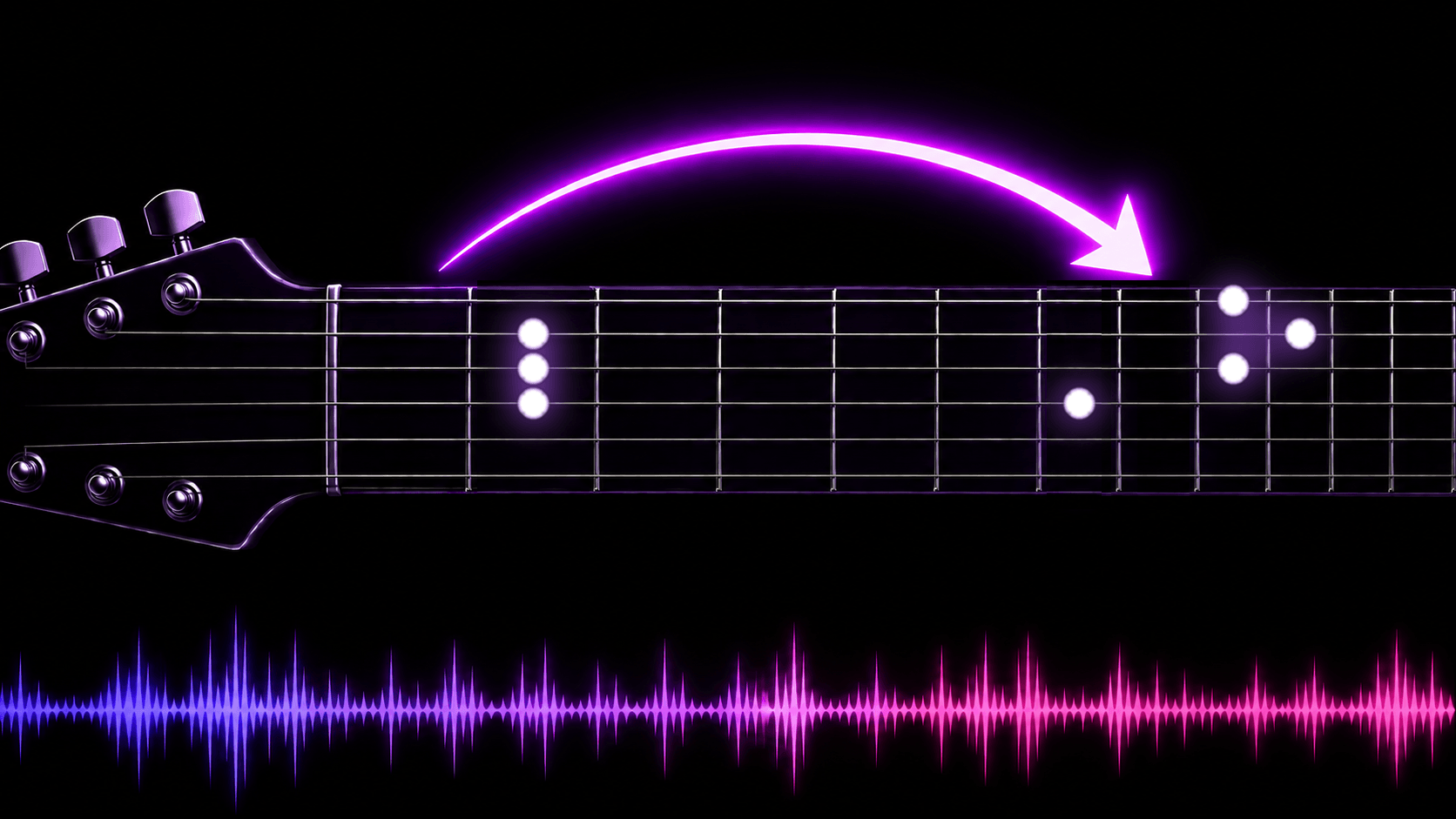
Once you have the chords, the next question is usually: which F am I supposed to play?
A chart online gives you a chord name, and if you are lucky, one diagram. But anyone who actually plays knows a chord has several shapes — open ones in the verse, warm and close; the same chords up the neck in the chorus, and the song opens up. That is arranging, not a setting.
This update hands that decision back to you.
What's new
Three things: a voicing you can step through for every chord, three buttons (Low / Mid / High) that move a whole section into a different position, and an arrangement that saves itself. Share links carry your version. Guitar and ukulele both.
Why choose a voicing at all?
Because a chord name is not one shape. C has a shape at the first fret, and others at the third, fifth and eighth. Same chord, different position, different colour and range.
Until now chord recognition drew one diagram per chord — the easiest one to grab. That is right for a beginner, but the moment you think "this chorus should sound brighter", there was nothing to pick.
The three additions
1. Pick the shape you actually want to play
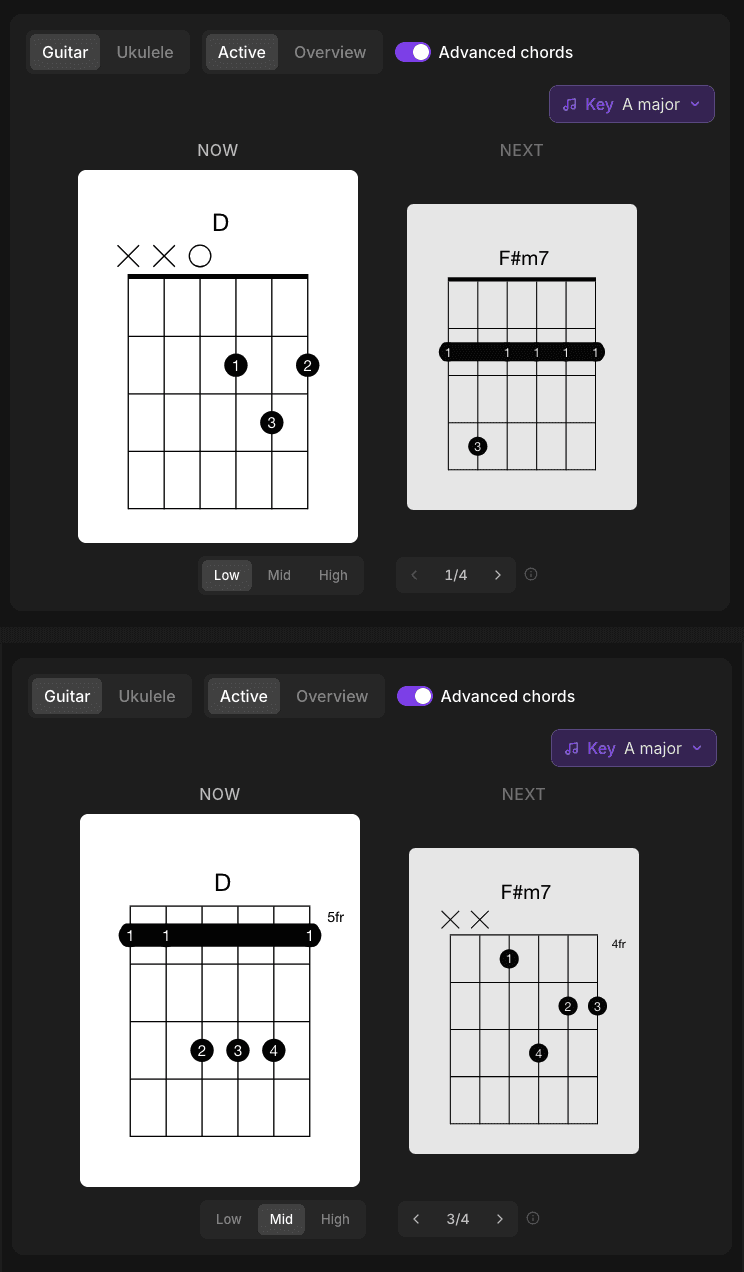
A stepper now sits under the diagram: arrows to move between shapes, a count in the middle telling you which one of how many you are on — most common chords have three or four. The diagram redraws and marks the fret it starts on. Arrow keys work too.
The part that matters is reach: the shape you pick applies from that occurrence onward, to every later occurrence of the same chord. So "open F in the verse, a different F in the chorus" is not a chord-by-chord edit — you switch once on the chorus's first F. Go back and change the verse later and the chorus keeps its own setting.
An ⓘ next to the stepper explains the scope — hover with a mouse, tap on a phone.
2. Low, Mid, High: move a whole section in one press
To the left of the stepper are three buttons: Low, Mid, High. Press one and every chord from the one on screen onward moves into that position. "The chorus starts here, play it brighter" is one press.
The three are positions guitarists already navigate by (CAGED): Low is the open shapes you were taught, Mid is fifth position — the G form — and High is eighth, the E form. Press Low to go back.
Sections you already set are left alone. Set the verse one way and the chorus another; both stay.
3. Your arrangement saves itself
Fingerings used to last until you reloaded the page. Now there is no Save button — changes go back to the recognition on their own and are there next time you open it. It doesn't nag you with a "saved" line either; it speaks up only when a save is slow or fails.
And the useful part: share the chart and the other person opens your arrangement, not the default one. Teaching, running a chart past a bandmate, sending it to a friend — no more "remember to switch it to the shape I meant".
How to use it
Step 1: Get a song's chords
Upload a file or paste a YouTube link on the chord recognition page. MP3, WAV, FLAC, OGG, AAC, M4A, OPUS and WebM, up to 100 MB and 20 minutes. It takes about 1–2 minutes.
Before uploading music you did not make, make sure you own or have cleared the rights to that audio.
Step 2: Look under the diagram in the dynamic view
Press play and the Now / Next cards follow the music — the dynamic view is what a result opens in. The new row sits under the diagram: positions on the left, the voicing stepper on the right.
Step 3: Switch, and keep playing
Press where you want the change. It applies from there on, and saves itself — next time you open it, or share the link, it is still this version.
Who this is for
- Guitarists who want the verse and chorus of one song to sound different without looking positions up
- Ukulele players — same stepper, find the shape your hand likes
- Teachers: set the arrangement to the version you teach, share the link, everyone sees the same one
- Anyone learning CAGED: Low / Mid / High land on three common positions, so one song in three places is a real exercise
Does it cost extra?
No. Voicings, positions and autosave are part of chord recognition, and they work on the free plan too. Chord recognition itself draws on the monthly pool of seconds shared with AI music generation and stem separation; Starter (NT$79/mo) and Creator (NT$199/mo) give you more of it.
After the chords
The same Muse Forge account will mute the vocal for a clean backing track with stem separation, or turn the same song into a playable piano version with PopPianoAI — which is free. No moving files between tools, no second account.
New to the feature? Start with "Chord Recognition: AI Detects Guitar & Ukulele Chords". Comparing ways to get a chart? See "How to Find the Chords to Any Song".
Chords and voicing switching work on the phone too: the Muse Forge app is out. The low/mid/high position buttons are still web-only, so verse-versus-chorus position swaps are easier on a computer.
Open that song you are a little bored of and play it somewhere else on the neck.
FAQ
Can I change the chord fingering in chord recognition?
Yes. A stepper under each diagram moves between shapes — most common chords have three or four. The one you pick applies from that occurrence onward to every later occurrence of the same chord.
Does changing a shape affect the whole song?
Only from where you changed it. Sections you already set are not overwritten, so the verse and chorus can use different shapes, and editing the verse later leaves the chorus alone.
What do Low, Mid and High mean?
They are the positions guitarists navigate by (CAGED): Low is the open shapes, Mid is fifth position (the G form) and High is eighth (the E form). Pressing one moves every chord from the one on screen onward.
Are my fingerings saved?
Yes, with no Save button. Changes go back to the recognition automatically and are there next time you open it. Send the share link and the other person sees your version.
Does it work for ukulele?
Yes. Switch to the ukulele tab and the stepper and position buttons work the same way.